
Table of Contents
Get the Huma app on iOS
Remember to inform your employees about the app!
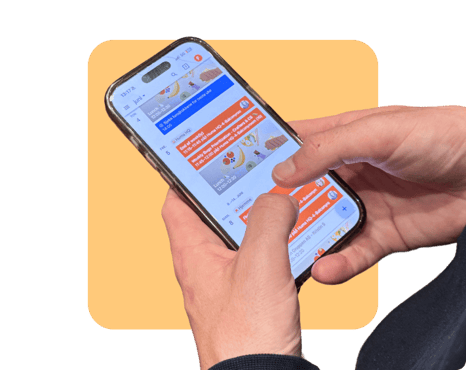
You always have access to Huma directly from your mobile phone, whether you are on the go, working from home, or away from your computer. In the app, you can register absence, read news, manage tasks, and much more.
The Huma app is available in nearly every country worldwide. It supports the languages configured in your Huma account.
Requirements
There are a few requirements you need to meet to download and use the app on iOS.
-
Requires iOS 17 or later
Download the app
-
Go to App store on your phone
-
Search for Huma HR
-
Click "Get" and confirm download
- Once it´s downloaded, 🔗 Log into your Huma account