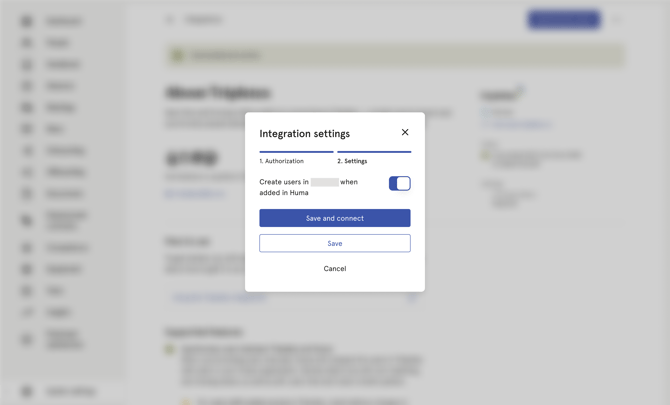
1. Activate the Talent adore integration in Huma
- Log in to your Huma account
- Go to 'Integrations' in the main menu and choose 'Talent adore'
- Please read all the information about the Talent adore integration and make sure you understand it before moving to the next step.
- Click 'Set up' in the upper right corner
- Accept the terms & conditions and click Connect
- Copy/write down the ID, Client ID and the Client secret.
2. Activate the Huma app in Talent adore
- To activate the integration, please send the following details (ID, Client ID and Client secret) to Talentadore.
3. Send candidate from Talent adore to Huma
Once the Talent adore support team has received and activated the integration, you can start sending information about your new hires from Talent adore to Huma.
More info on how to connect to Huma in Talent Adore will come — in the meanwhile, contact them.
Other integrations
If you're using an integration with the possibility to create users when they're added to Huma, they will be created in integration when added to Huma via Talent adore.