
Table of Contents
- Notifications in the app
- Roles and access
- See your notifications
- Choose which notifications you receive
- Allow notifications on your phone
- Settings in the app
- FAQ
Notifications in the app
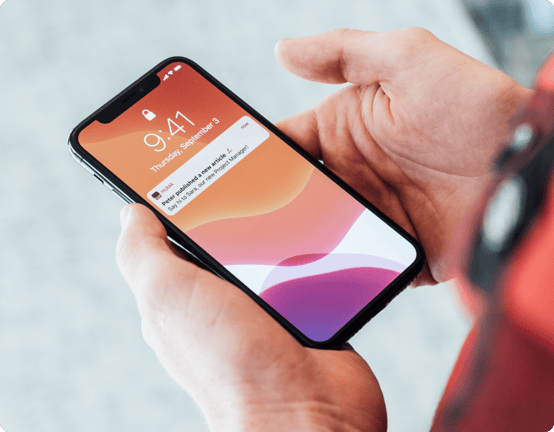
With the Huma app, you get push notifications about what is relevant to you. For example, you are notified about new tasks, absence that is approved, documents shared with you, survey invitations and colleagues' birthdays.
If you have an administrator role, you also get notifications about what you are responsible for, such as new absence requests or deviation cases.
Roles and access
| Access | Role |
|---|---|
| Receive user notifications and change your own settings | All employees, no role required |
| Receive admin notifications | Users with a role that gives access to the module, for example absence approval or deviation case handling |
💡 Notification settings are personal. Administrators cannot change them on behalf of employees.
See your notifications
All your notifications are gathered in one list in the app.
- Go to the menu
- Tap "Notification icon" in the top right corner
📱 On Android: You can also open your notifications from the top of the Menu.
Tap a notification to go straight to what it is about.
Choose which notifications you receive
- Tap "Menu"
- Tap the settings icon in the top right corner
- Tap "Notification settings"
- Turn notifications on or off for each channel, for example push or email
💡The notifications are split into User notifications and Admin notifications. You only see the admin notifications that are relevant to your roles.
💡 All notifications are turned on by default.
🔗 Read more about notifications in Huma.
Allow notifications on your phone
To get push notifications, you must allow notifications for Huma in your phone's settings. If they are turned off, the app shows "Notifications are disabled" in the notification settings, with a shortcut to your phone's settings.
💡 On iOS: Push notifications from Huma may arrive silently, without sound or a banner. You can change this under Settings → Notifications → Huma on your iPhone.
Settings in the app
To open settings, tap "Menu", then tap the settings icon in the top right corner.
| Setting | What it does |
|---|---|
| Language | Changes the language of the app |
| Notification settings | Choose which notifications you receive |
| Theme | Choose light, dark or follow your phone's setting |
| Your birthday jubilee | Choose whether your birthday is visible to colleagues |
| Content translation | Automatically translate content such as news articles into your language |
| Privacy policy | Read Huma's privacy policy |
| Log out | Log out of the app |
💡 Note
-
Automatically translated content has not been approved by the original author and may contain mistakes.
-
If you have added colleagues to your phone's contacts, you can remove them again from Settings on iOS.
- 📱 On iOS: When you change the language, you are taken to the iPhone settings for Huma, where you choose the language for the app.
🔗 Read more about adding colleagues to your contacts.
.png?width=232&height=505&name=File%20(7).png)
FAQ
I don't get any push notifications. What should I do?
Check that notifications for Huma are turned on in your phone's settings, and that the notification is turned on for push in the Huma notification settings.
Can an administrator turn off notifications for me?
No. Notification settings are personal, and only you can change them.
Are the notification settings the same in the app and on web?
Yes. Your notification settings belong to your user account, so changes apply both in the app and on web.
Does changing the language translate news articles and documents?
No. The language setting only changes the app itself. To translate content such as news articles, turn on content translation.
Why do I get admin notifications?
You have a role that gives you access to a module, for example absence approval. Contact your administrator if you no longer need the role.