.png?width=604&height=318&name=Siljes%20Corner_%20mega%20nav%20promo2%20(1).png)

Export sick leave and absence reports – quick and easy
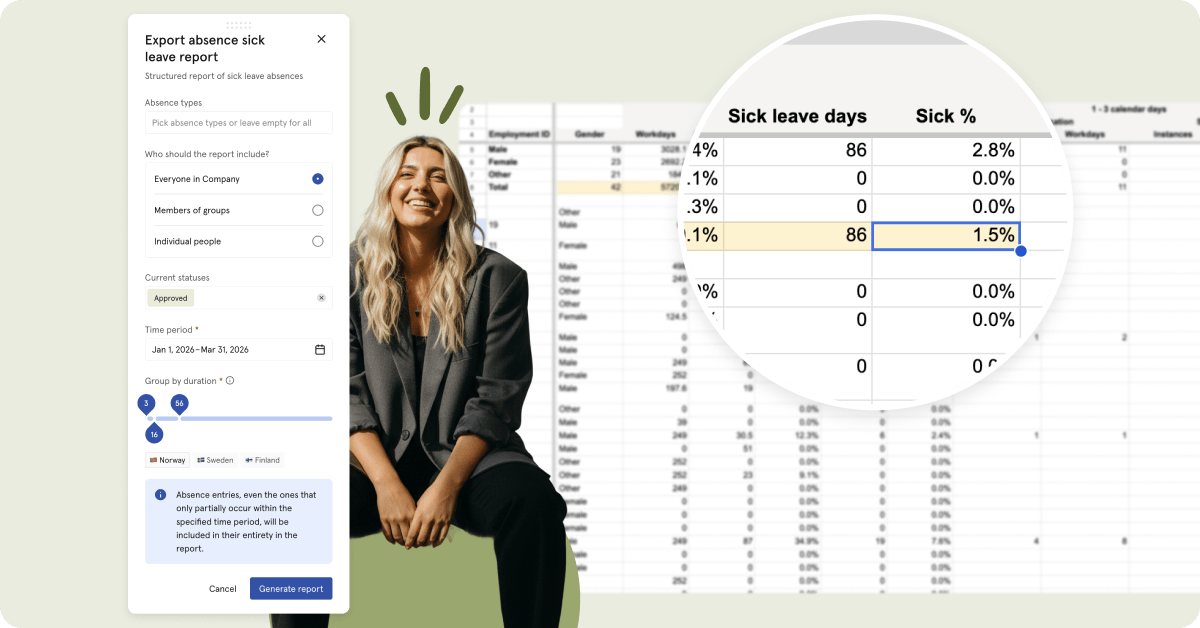
Get reports on absence and sick leave in one click. Staying compliant isn’t always easy, but it’s always important. Luckily, it’s now a lot easier for HR and managers to get complete absence reports in seconds.
For a more comprehensive view, you can also filter by people, time period, status, and duration. You can generate company-wide reports or break them down by teams and groups. The output is structured, easy to follow, and compliant with Nordic law.
That means no more wasted time or manual input in endless spreadsheets — and fewer errors caused by typos.
Historical data and downloadable images of graphs
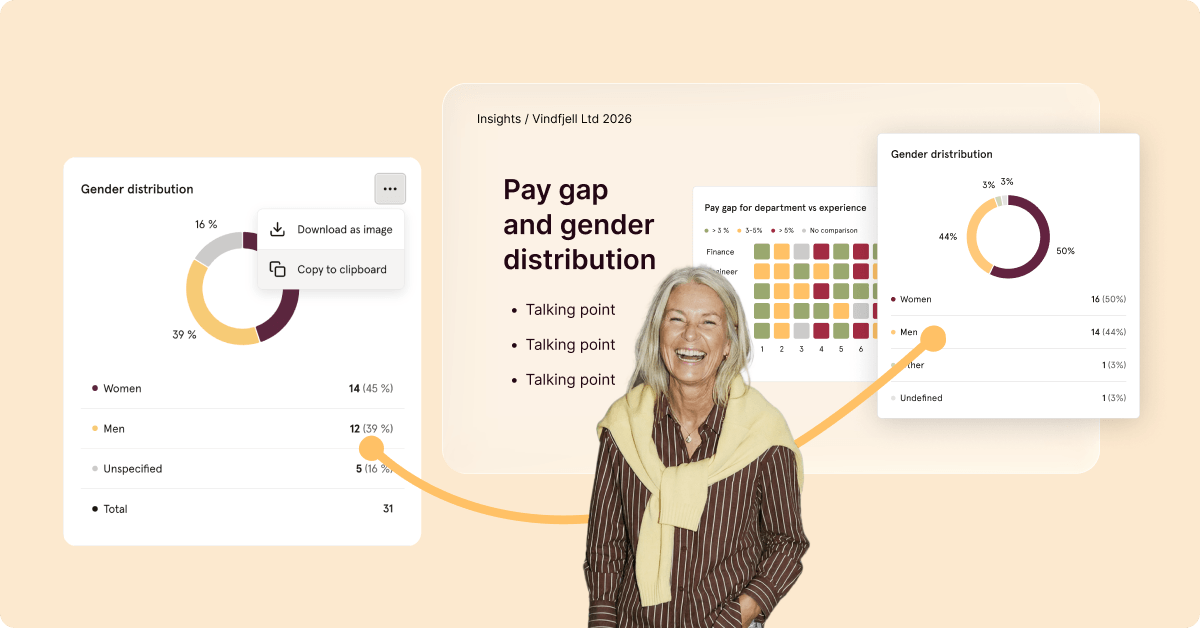
Insights and Surveys just got two big enhancements! You can now download images of graphs in both modules, making it easier to present your survey findings and reports on demographics, headcount, and more.
 Insights are far more valuable when you have something to compare them to — and luckily, that’s much easier now. Simply enter the date you want to compare today’s data with, and you’ll get a clear side-by-side view of how things looked then compared to today.
A little bonus
Do you think documents and contracts look a little boring? Well, you’re in luck — you can now customize them to your liking with different fonts when using Smart Documents in Huma.